
Connect, don't replace: a better way to modernise a firm
When a firm decides its software isn't working, the instinct is to start again with one big new system. It rarely goes to plan.
Why big replacements stall
- Migration takes months, and the old data never quite fits.
- Staff have years of habits built around the old tools.
- Work doesn't stop while you switch, so the team runs two systems at once.
- The new system still doesn't talk to everything else.
Keep your systems. Lose the gaps.
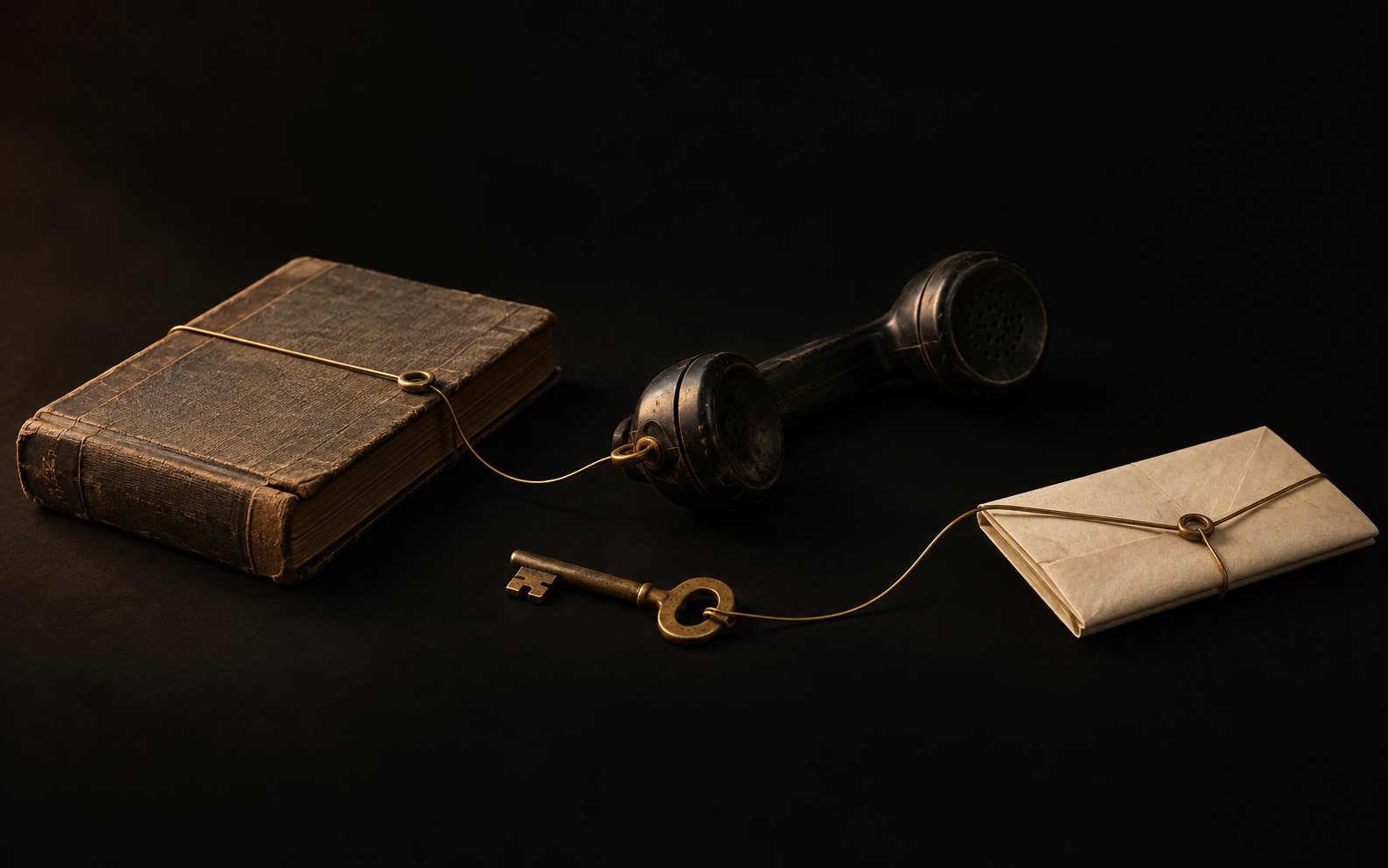
Most of the tools a firm uses are fine at what they do. Email is good at email. Accounting software is good at accounts. The problem is that none of them sees the whole picture.
Email is good at email. The problem is that nothing sees the whole picture.
Connecting them into one workspace gives the team a single view of each client and each job, while every tool keeps doing its own job underneath.
What that looks like day to day
- A new enquiry arrives by email and appears as work, already linked to the right client.
- Documents land in the right place without anyone dragging them there.
- Anyone can open a client and see the latest emails, files, deadlines and notes together.
- Partners can see what's moving and what's stuck, from anywhere.
Where AI fits
Once the systems are connected, AI has something useful to work with. It can summarise a long thread, draft a routine reply, pull key dates from a document or flag a job that has gone quiet. It works across the tools you already use, and your team stays in control of what goes out.
How to start
Start small. Pick the one workflow that causes the most chasing, connect the systems it touches, and see how much time it gives back. Then do the next one.
We build these workspaces for firms at Rune-AI, starting with LxOS.